
Docs that turn into work.
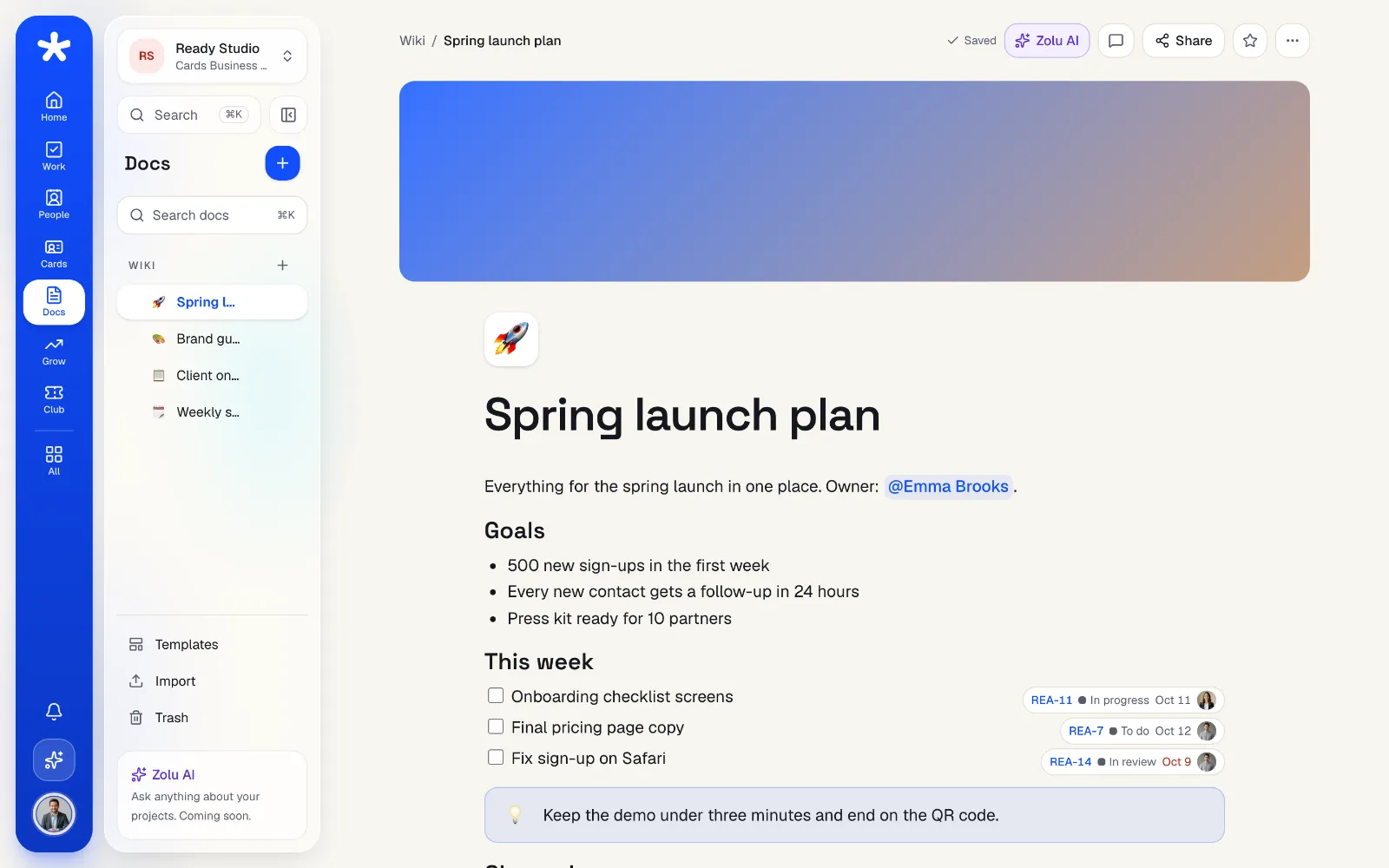
Notes, wikis and meeting minutes your team writes together in real time. A checkbox becomes a task, and the task stays in sync with the page.
Inside the app
Every part,
from the inside.
Real screens from the Zolu app with example data. Nothing here is a mockup.
Write together,
at the same time.
Type “/” for any block: headings, tables, columns, callouts, images, files and videos. See your team's cursors as they write.
- Checkboxes that are real tasks, in sync both ways
- @mentions for people, tasks, projects and pages
- Works offline and catches up when you're back
Start from a template,
not a blank page.
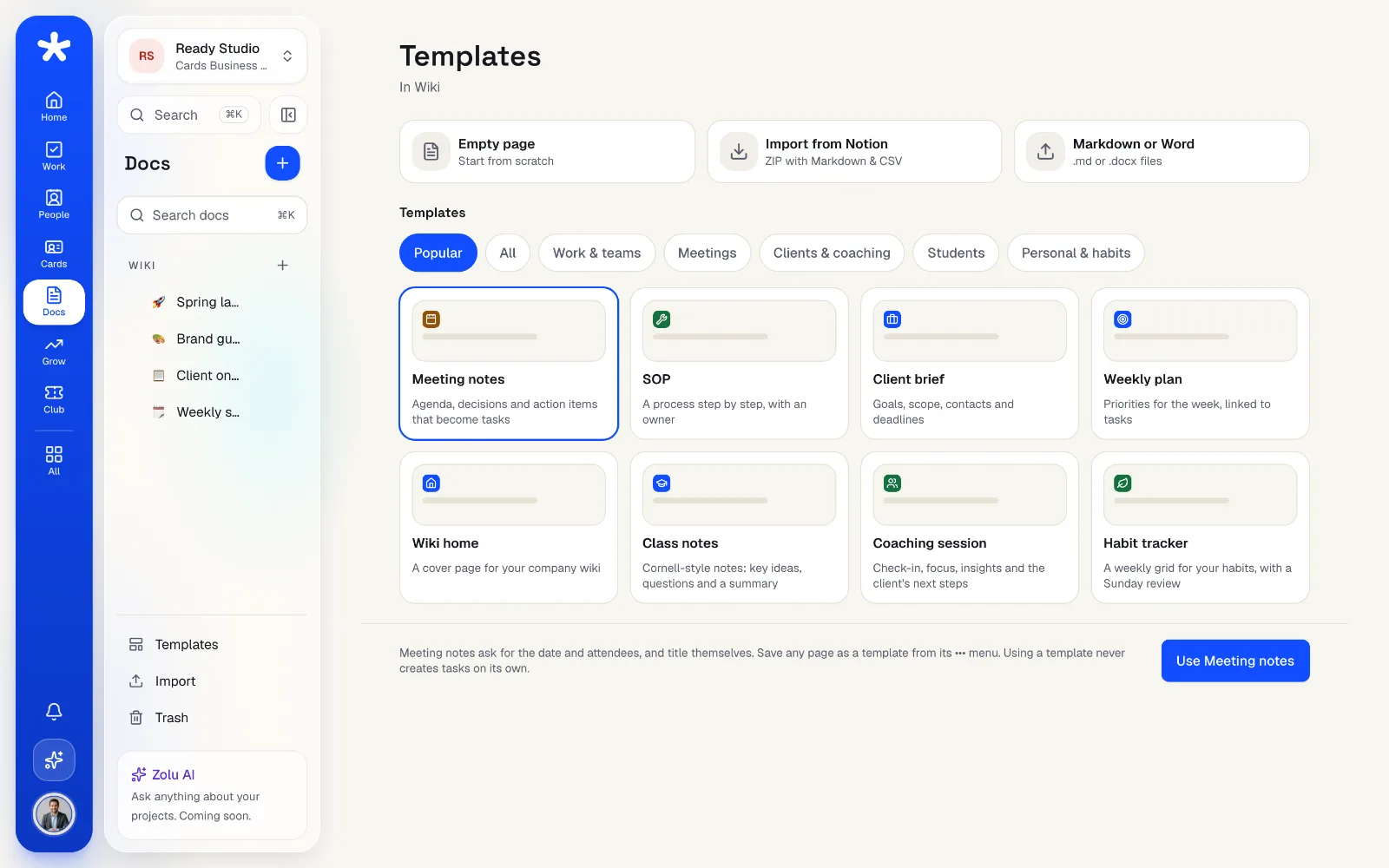
16 templates in your language: meeting minutes that title themselves, SOPs, onboarding, client briefs, study plans and more. Save your own for the team.
- Meeting minutes with date and attendees
- Your team's templates next to Zolu's
- Templates never create tasks on their own
Bring your Notion,
keep the structure.
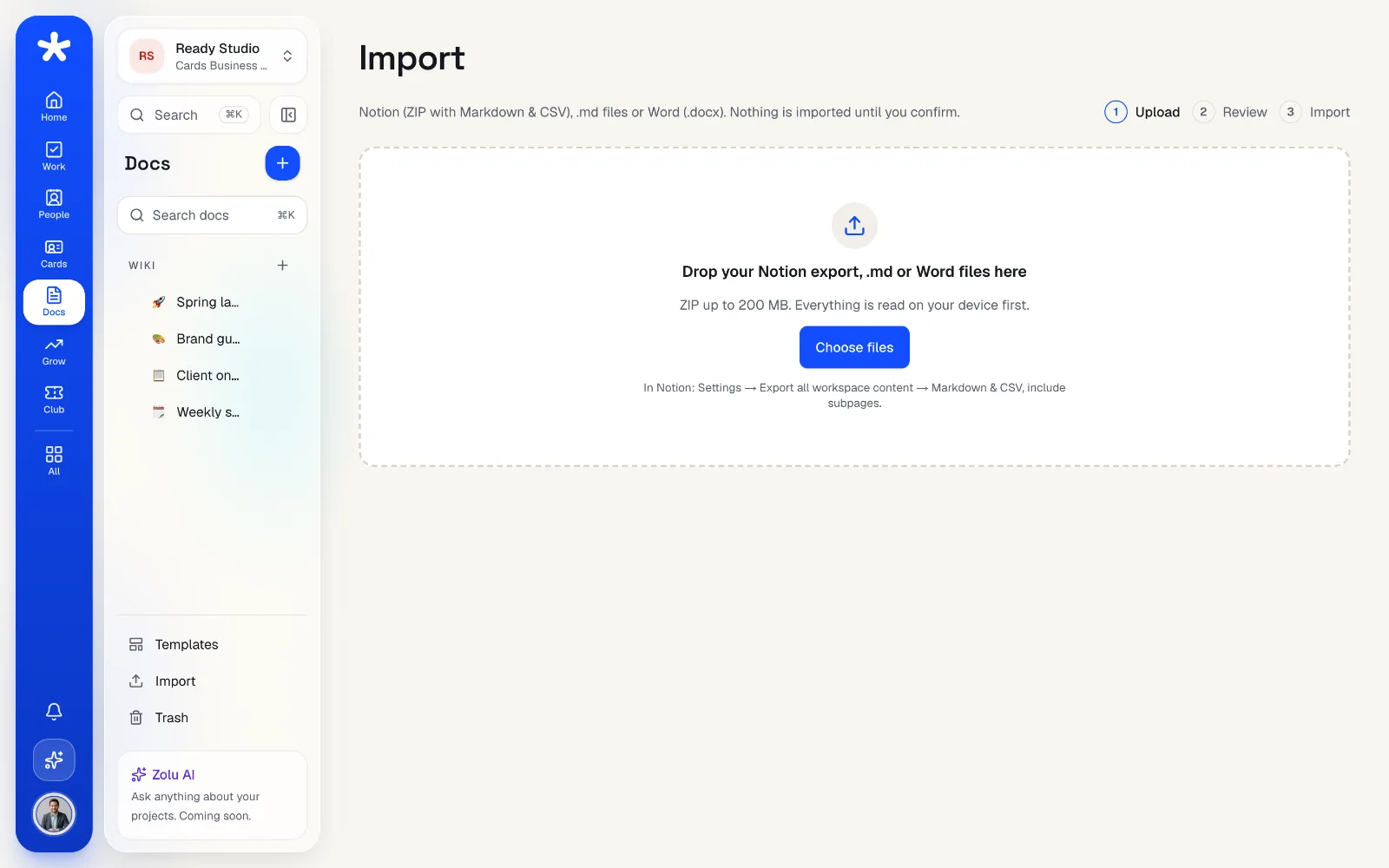
Upload your Notion export (ZIP), Markdown or Word files. Zolu keeps pages inside pages, tables and images, and tells you what it couldn't bring.
- Up to 1,000 pages at once
- Photos cleaned of location data before upload
- Export any page to PDF or Markdown
Find it,
inside every page.
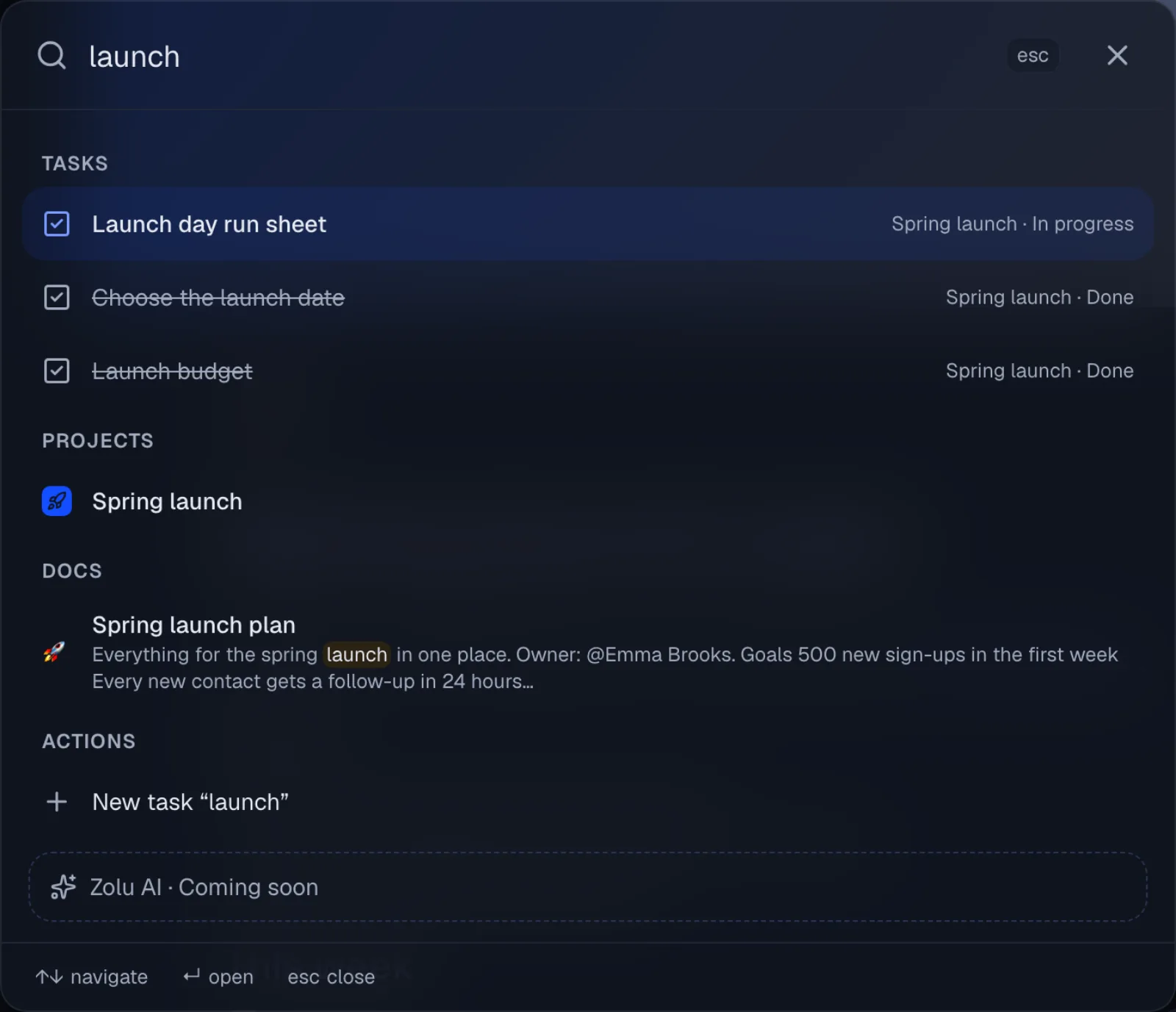
Cmd + K searches titles and the text inside your pages, in English and Spanish, with or without accents, and highlights what it found.
- Only the pages each person can see
- Recent pages when you haven't typed yet
- Create a page from the same box
Everything in Zolu Docs.
- Block editor with tables, columns and calloutsFree
- Real-time editing with cursorsFree
- Checkboxes that become tasksFree
- @mentions for people, tasks, projects and pagesFree
- Comments on the text, with threadsFree
- Version history (100 per page) and restoreFree
- Wiki, team and project spaces, and private pagesFree
- Public link on zolu.me and client comments with a PINFree
- 16 templates in English and SpanishFree
- Import from Notion, Markdown and WordFree
- Export to PDF and MarkdownFree
- Zolu AI in your pages (10 a month on Free)Free
“Free” means every plan. Pro includes everything in Free, and Business everything in Pro.
Your questions, answered.
Do pages count toward my storage?
No. Like Notion, the text of your pages and their versions are free. Only images and files you upload count.
Can I move from Notion?
Yes. Export your workspace from Notion as Markdown & CSV (ZIP) and upload it. Zolu keeps the same structure, tables and images.
Who can see a page?
It depends on its space: the Wiki is for your workspace, team pages for the team and project pages for the project. Private pages are only yours, not even the owner sees them, unless you share them.
Can a client comment without an account?
Yes. Turn on the public link and add the client: they get a PIN by email, comment on the text you share and you see it in real time.
What happens when I check a box?
If the checkbox is linked to a task, the task is completed on the board too, and the other way around. The task always wins.